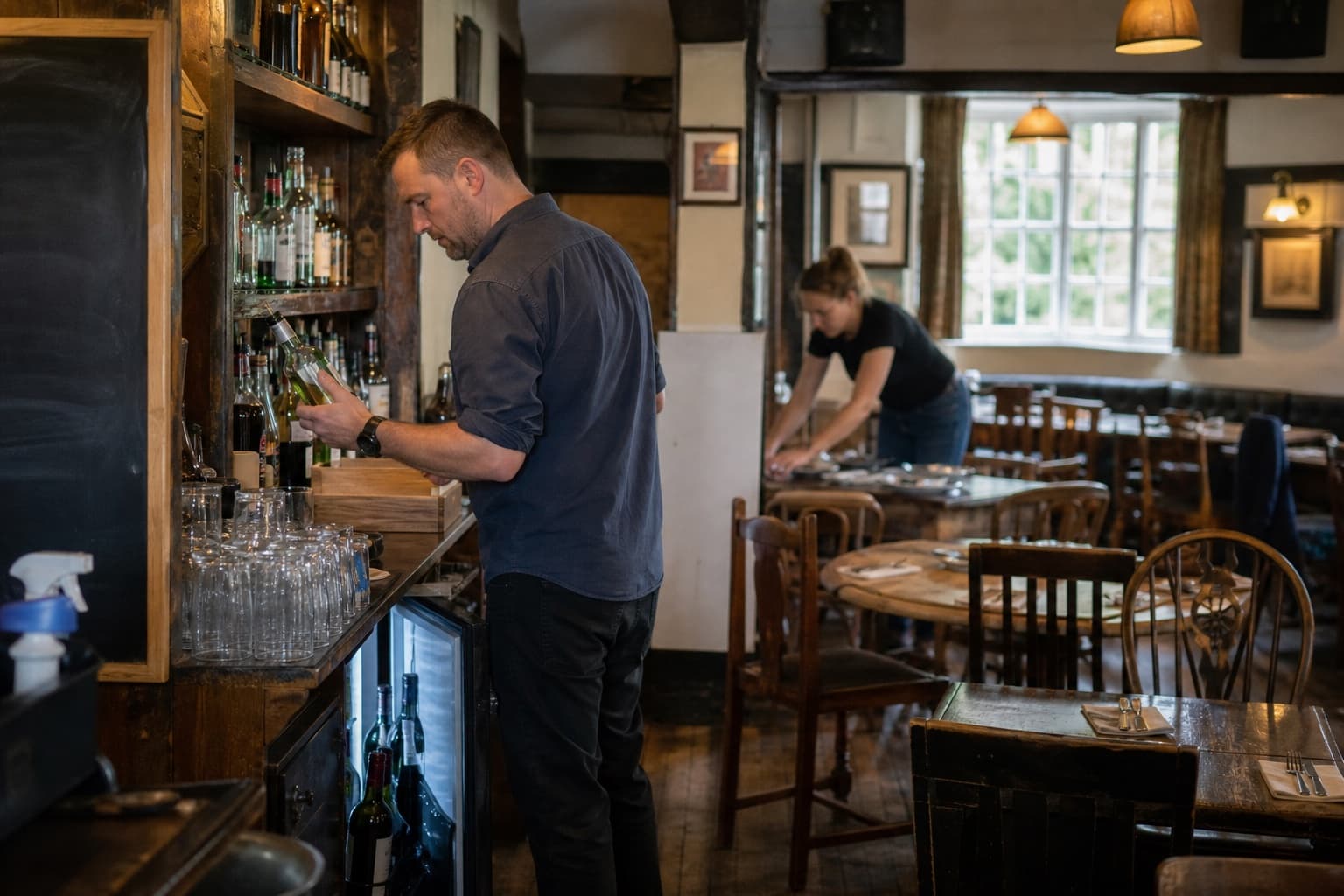
Built in a working pub.

Retrieve what matters.You make the next call.

Connect sales, invoices, recipes and stock. See what changed, what it affects and the evidence behind it. Your team decides what happens next.

Try a working example
A question from your working dayIllustrative example

Supplier cost example selected. Which price rise needs attention first?

Which price rise needs attention first?

The house burger carries the clearest impact from this supplier rise. Its estimated menu margin is down because the selling price has not changed.

One price is missing

Your call Owner and chef

Confirm the missing price, then decide whether to reprice, change the recipe or accept the margin.

See the 3 source records
  • Supplier invoiceLatest connected price line included
  • RecipeCurrent ingredient quantities included
  • EPOS menu priceCurrent selling price included

Example coverage: the latest connected invoice, current recipe and current EPOS menu price.

One price is missing. A secondary supplier invoice is not connected in this illustrative example, so the estimate may change.

How the evidence connects
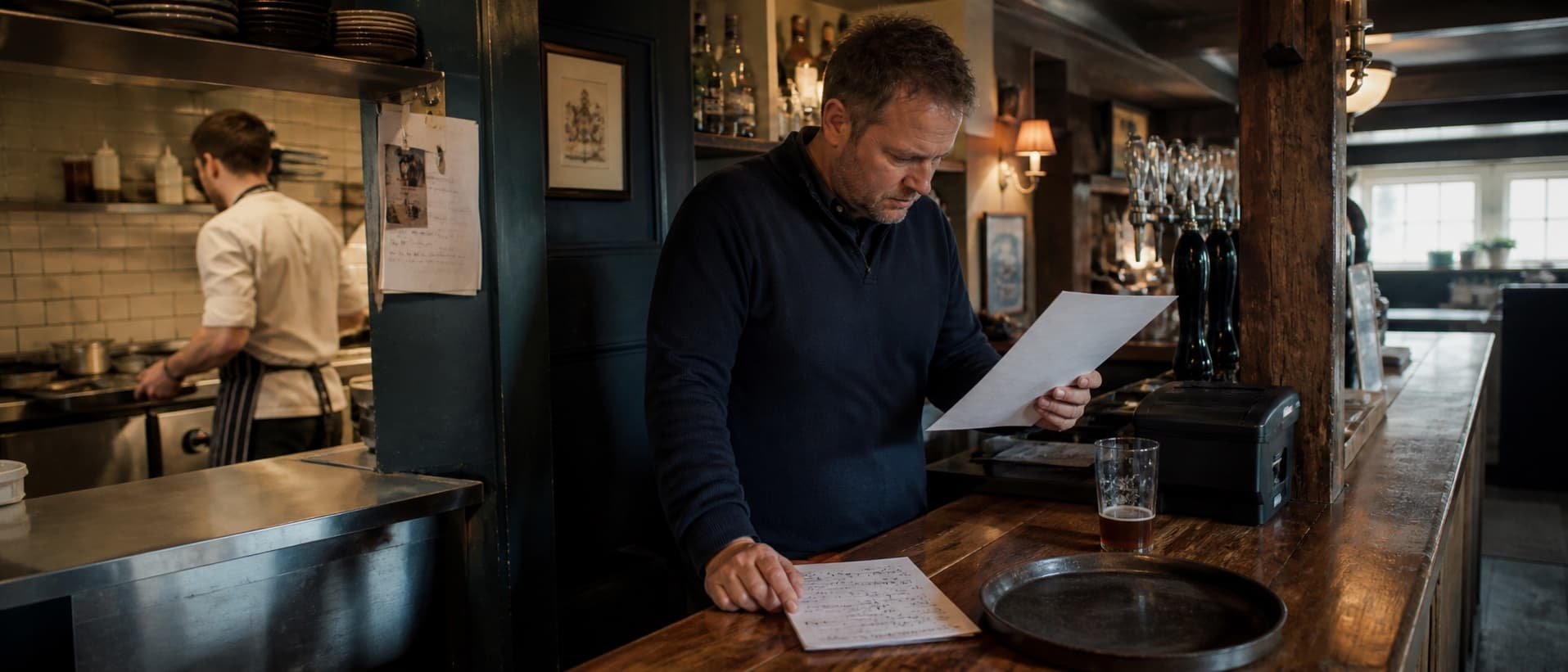
A pub manager checking supplier paperwork before service while a chef works in the kitchen
The Old Dog, DerbyshireRead the proof story

Follow the evidence

See how the answer is checked.

Explore the records behind each example, how they connect and what your team still needs to confirm.

Supplier cost example selected.

AskIllustrative exampleEstimated

Which price rise needs attention first?

Records

Evidence brought together

  • Supplier invoiceLatest connected price line included
  • RecipeCurrent ingredient quantities included
  • EPOS menu priceCurrent selling price included
Connection

How these records connect

The invoice supplies the ingredient price, the recipe shows how much each dish uses, and the EPOS record supplies its selling price. Together they show where the cost rise affects estimated margin. The missing supplier price still needs confirmation.

Example coverage: the latest connected invoice, current recipe and current EPOS menu price.
Your call

Owner and chef

Confirm the missing price, then decide whether to reprice, change the recipe or accept the margin.

A supplier invoice, recipe notebook, tablet and stock-count sheet arranged on a pub table
Illustrative working viewInvoices, recipes, sales and stock—seen together.
A pub manager checking bar stock while a colleague sets tables before service
Pubs
2 / 3

It started at The Old Dog

Built in a working pub, around a whole working day.

Ross asked Peter to build Retriever after a string of tools each solved only one part of running The Old Dog. They shaped it in the working Derbyshire pub around the flow from bookings and ordering to stocktakes, recipes and service. The test remains simple: connect the records without taking the call away from the people running the venue.

Bring your own tools—or use oursKeep your EPOS and finance systems, or choose Retriever's own. Your supplier relationships remain yours.Managers make the changesRetriever makes the work visible. Your team stays in control.

Connection guide

Keep the systems you trust. Connect the records that matter.

During setup, we confirm what can connect, how often it refreshes and which system remains the source of truth.

Square point-of-sale software

Menus, selling prices and sales

Available
Freshness
For configured venues, connection availability and refresh timing are verified during setup.
System of record
Square remains the system of record for menus, selling prices and sales.

Xero accounting software

Bills, suppliers, payments and reconciliation

Available
Freshness
For configured venues, approved bills can be sent to Xero and payment status can be refreshed into Retriever.
System of record
Xero remains the financial back end and accounting system of record.

Selected supplier portals

Catalogue checks and draft baskets

Assisted
Freshness
Where access is approved and supported, Retriever can prepare comparison or basket data for a manager to review.
System of record
The supplier portal holds the order; a manager checks and submits it there.

Booking systems

Reservations and booking records

Setup review
Freshness
Current booking arrangements are reviewed during setup; no third-party synchronisation is assumed.
System of record
The venue's chosen booking system remains the record unless Retriever bookings are explicitly adopted.

Other finance systems

Accounting and financial records

Setup review
Freshness
Compatibility and data-exchange options are assessed before any connection is proposed.
System of record
The venue's existing finance system remains the accounting record throughout.

Start with one live problem

Bring one live question to the venue review.

Start with a supplier cost, stock, margin or service issue. We map the relevant records, show the gap and agree whether Retriever has a useful role.

  • Choose one live issue: supplier cost, stock, margin or service
  • See the records Retriever would connect
  • Agree what stays with your existing tools
  • Decide whether there is a useful next step

Straight answers

What operators usually want to know first.

Do we have to replace our existing systems?

No. You can keep the systems you already rely on and Retriever will work alongside them. If you prefer, Retriever also has its own EPOS and finance systems. Either way, your team stays in control.

Is Retriever making decisions on its own?

No. Retriever can prepare a recommendation, but your team reviews the records and decides what changes. You set the boundaries.

What happens in a venue review?

We agree one important operating question, look at the practical source records and show the most useful place to start.

Who is Retriever built for?

Independent pubs, cafés, restaurants and clubs. It helps managers stay on top of supplier cost, stock, recipes, sales, labour and service.